Project Kickoff Presentation Examples: Agenda, Slides and How to Make the Proposal
By the Premium Slides team · · 8 min read
Quick answer
A project kickoff presentation has about 8 to 12 slides: introductions, why the project exists, goals and success measures, scope, timeline and milestones, roles, ways of working, risks and next steps. For a 60-minute meeting, spend about 40 minutes on these slides and keep the last part for questions, decisions and the first tasks with owners and dates.
Key takeaways
- A project proposal asks for approval, and a kickoff presentation gets the approved team ready to deliver.
- A kickoff deck needs about 8 to 12 slides, from introductions and goals to roles, risks and next steps.
- Agree the out-of-scope list out loud in the kickoff, because most later arguments are about scope.
- A RACI matrix with one accountable person per task makes ownership clear from day one.
- A project proposal should start from the decision you need and end with the same ask.
- A student proposal needs 6 to 8 slides: question, aims, method, timeline, resources and expected outcome.
The kickoff meeting is often the only time the whole team, the sponsor and the client sit in one room before the work starts. What you show in that hour shapes how people talk about the project for months. A clear deck gives everyone the same picture of the goal, the plan and who does what. A vague one leaves each person with a different project in their head.
This guide gives you project kickoff presentation examples for three kinds of work, a 60-minute agenda you can copy, and the slides each part needs. Because a kickoff usually follows a proposal, it also covers how to make the proposal deck that gets a project approved in the first place.
What is the difference between a project proposal and a kickoff presentation?
A project proposal asks for a decision: approve the work, the budget and the people. A kickoff presentation comes after that decision and gets the team ready to deliver. The first one persuades. The second one aligns.
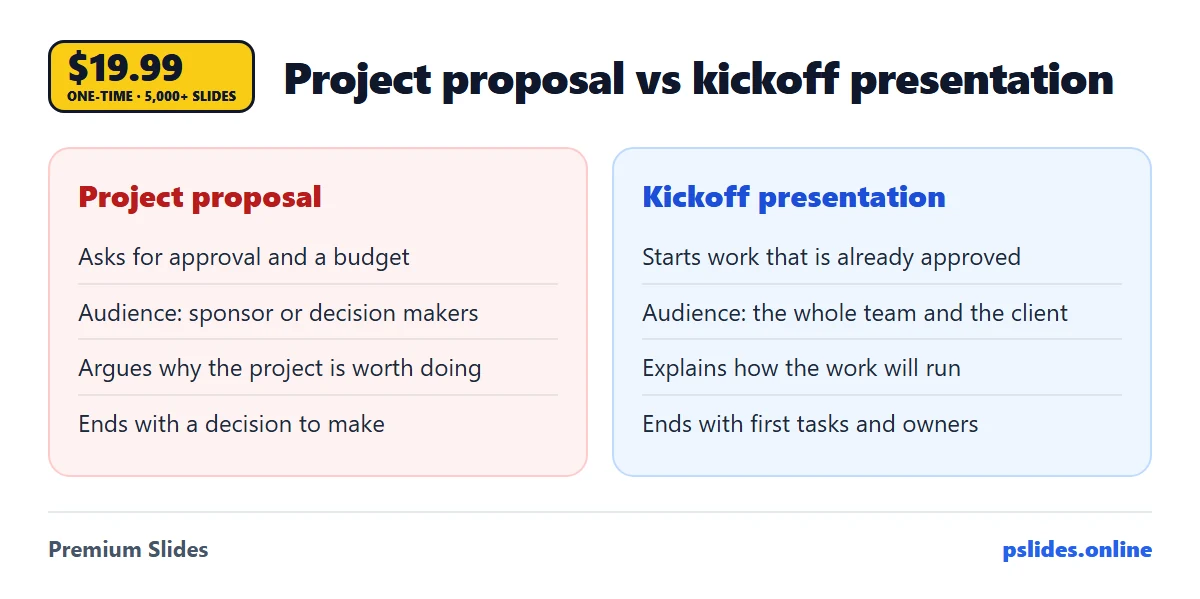
Many slides carry over from one to the other. The goals, the scope and the timeline you used to win approval become the backbone of the kickoff. What changes is the tone and the detail. In a kickoff you spend less time on why the project is worth doing and more time on how the team will work: roles, meetings, tools and the first two weeks of tasks.
What should a project kickoff presentation include?
A kickoff deck needs about 8 to 12 slides: introductions, why the project exists, goals and success measures, scope, timeline, roles, ways of working, risks and next steps. For a 60-minute meeting, split the time like this:
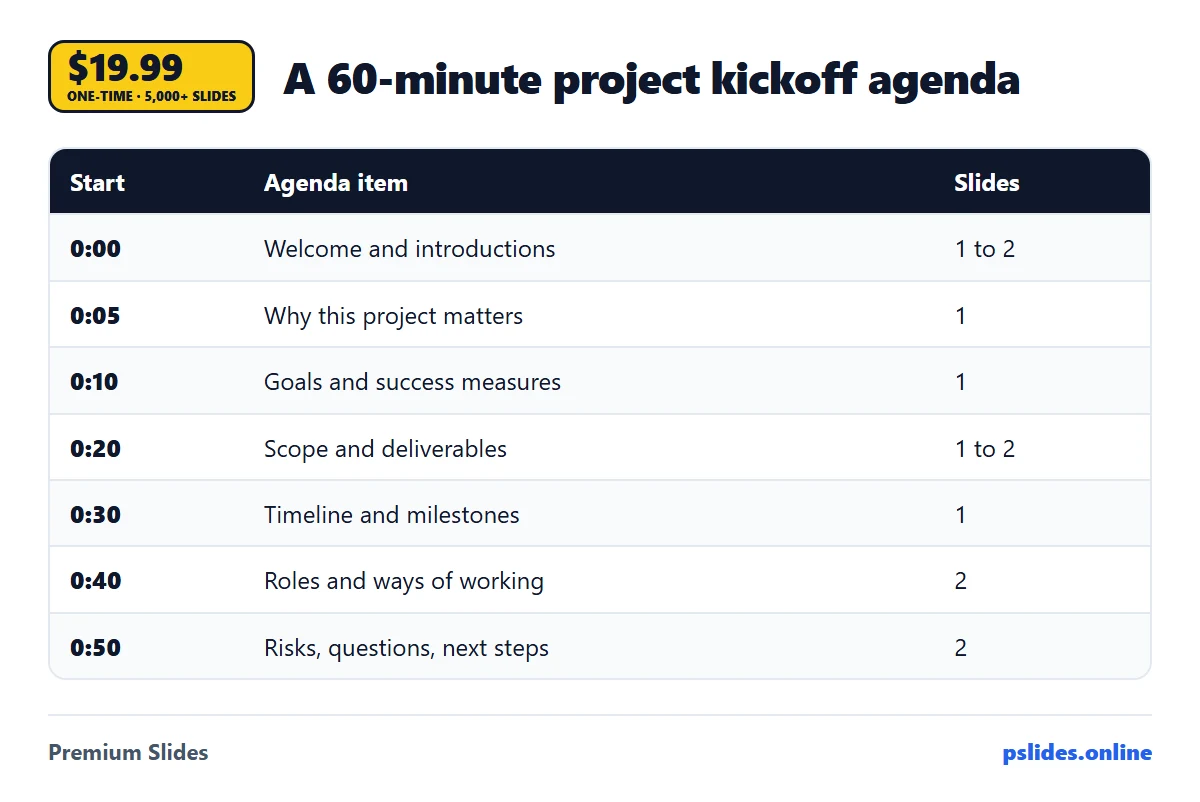
- Introductions. Faces, names and roles. In a client kickoff, put both teams on one slide.
- Why this project. The problem in one sentence and what happens if nobody fixes it.
- Goals and success measures. Two or three goals, each with a number and a date, such as "cut support tickets by a quarter by June".
- Scope. What is in, and just as important, what is out. Most arguments later in a project are about scope.
- Timeline and milestones. Phases on one slide, with the dates people must remember.
- Roles. Who decides, who does the work and who needs to be kept informed.
- Ways of working. Meeting rhythm, where files live, how to raise a problem and how fast people should reply.
- Risks and next steps. The top risks, then the first tasks with an owner and a date.
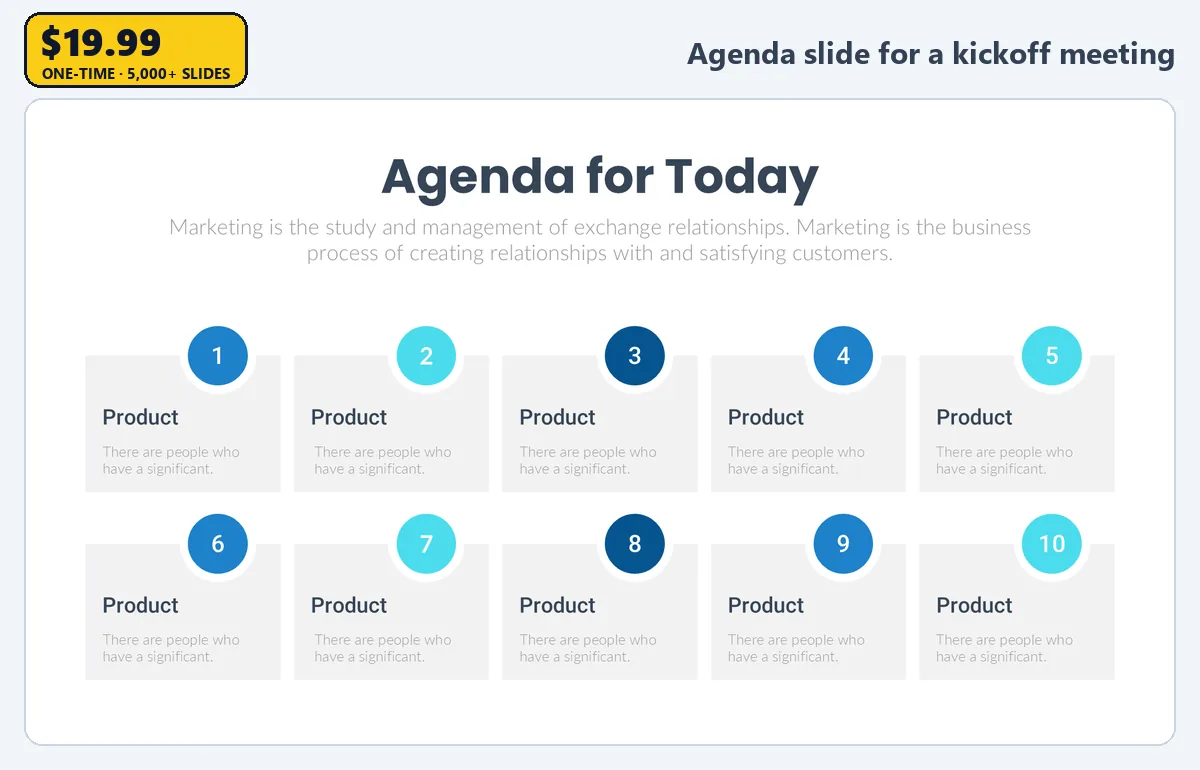
Show the agenda as its own slide at the start so people know where the hour is going. The agenda templates have numbered layouts for 5 to 10 items.
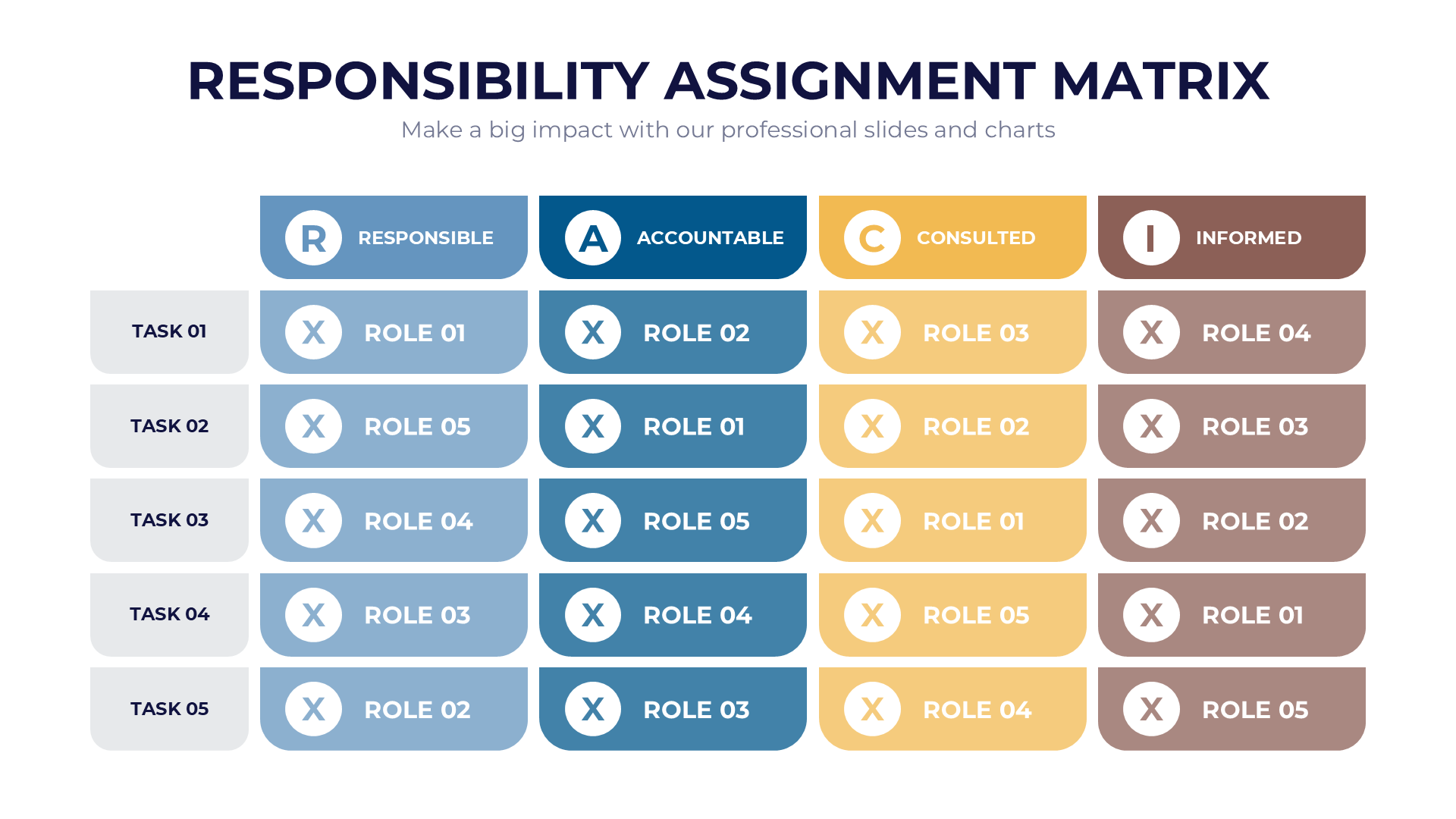
For the roles slide, a RACI matrix works well. It lists tasks down the side and people across the top, and marks each cell as R (responsible: does the work), A (accountable: owns the result and signs it off), C (consulted: asked for input) or I (informed: kept up to date). The usual rule is one A per task, so nobody can say they thought someone else owned it. The responsibility assignment matrix templates have ready layouts.

Project kickoff presentation examples: what changes by project type?
The core slides stay the same, but one slide matters more than the rest depending on the project. The three examples below are made up to show the idea.
| Example project | The slide that matters most | Example headline |
|---|---|---|
| A web agency redesigns a client's website | Scope, plus what the client must supply | "We need final copy and photos by week 3 to launch on time" |
| A sales team of 40 moves to a new CRM | What changes for users, with training dates | "From 1 March, every deal is logged in one place, not in five spreadsheets" |
| A company moves to a new office | Timeline with fixed dates | "Desks are packed on Friday 14th and set up by Monday 8 a.m." |
In the agency example, the client is in the room, so the kickoff is also where you agree who approves designs and how many rounds of changes are included. In the CRM example, most of the audience did not ask for the project, so spend more time on why it helps them and where to get help. In the office move, almost everything is about dates, so the timeline slide carries the meeting.
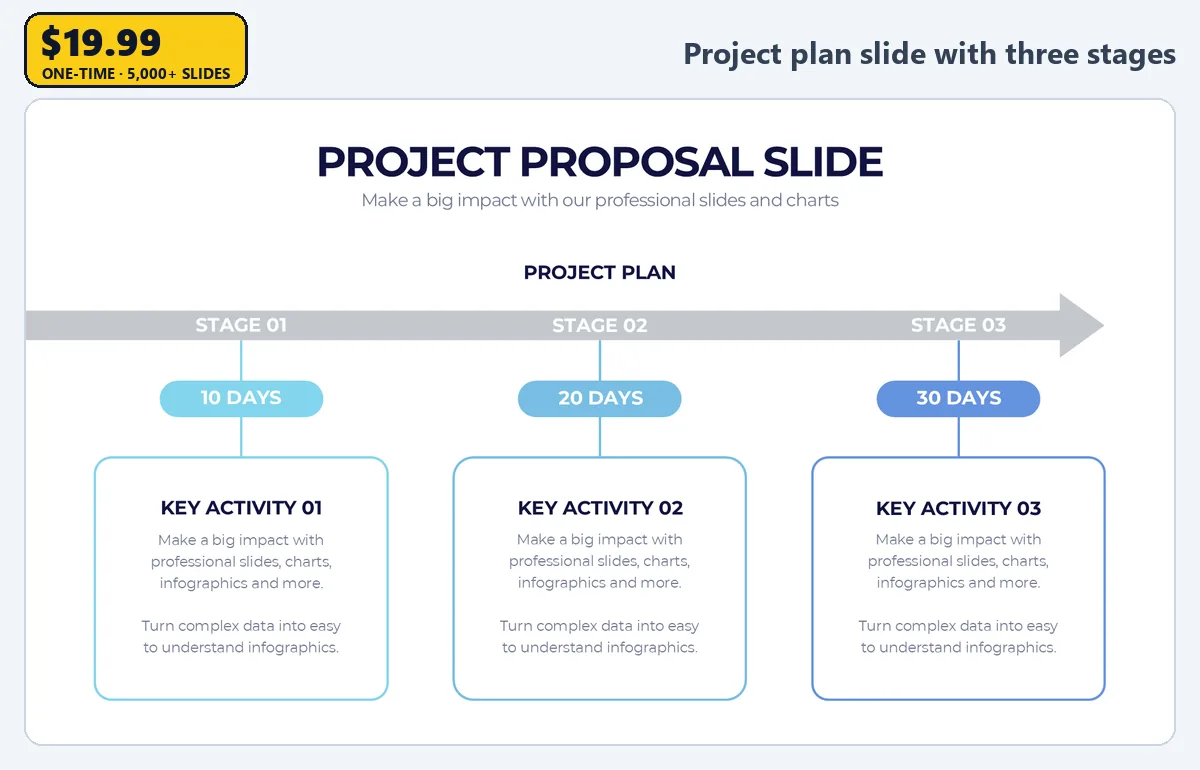
Whatever the project, show the plan in stages with durations rather than as a long task list. A three-stage layout is easy to read from the back of the room.
If you need the full schedule, add a Gantt chart to the backup slides. Our guide on how to make a Gantt chart in PowerPoint covers it, and the Gantt chart templates give you ready layouts.
What does a project proposal presentation example for students look like?
A student proposal needs 6 to 8 slides: title, problem or research question, aims, method, timeline, resources, expected outcome and sources. Teachers and panels mainly check that the question is clear and the plan is realistic for the time you have.
Here is a made-up example for a class project on food waste in a school canteen:
- Title: "How much food does our canteen throw away, and why?"
- Problem: "Full plates come back every lunch, but nobody has measured how many."
- Aims: "Weigh the waste for four weeks and find the three dishes left most often."
- Method: "Weigh returned trays daily and run a short survey with 100 students."
- Timeline: "Weeks 1 to 4 collect data, week 5 analyse, week 6 present."
- Resources: "One kitchen scale, canteen staff permission and a survey form."
- Expected outcome: "A list of changes the canteen could test next term."
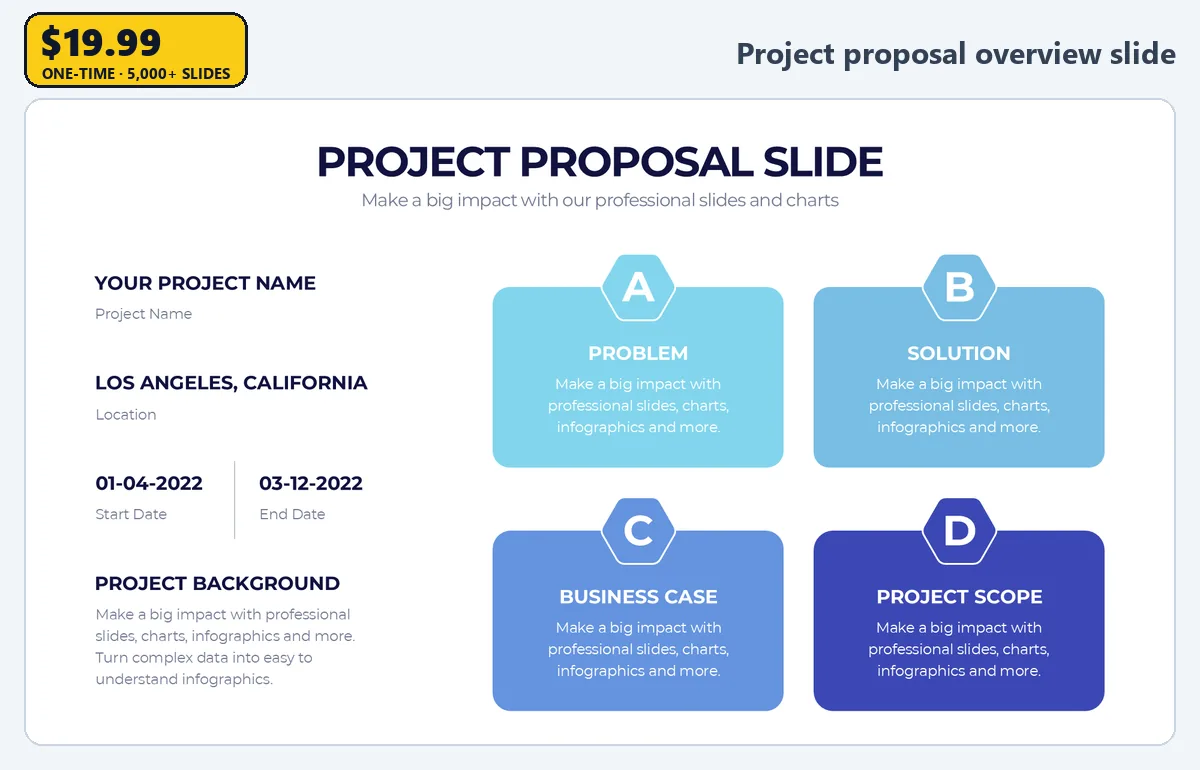
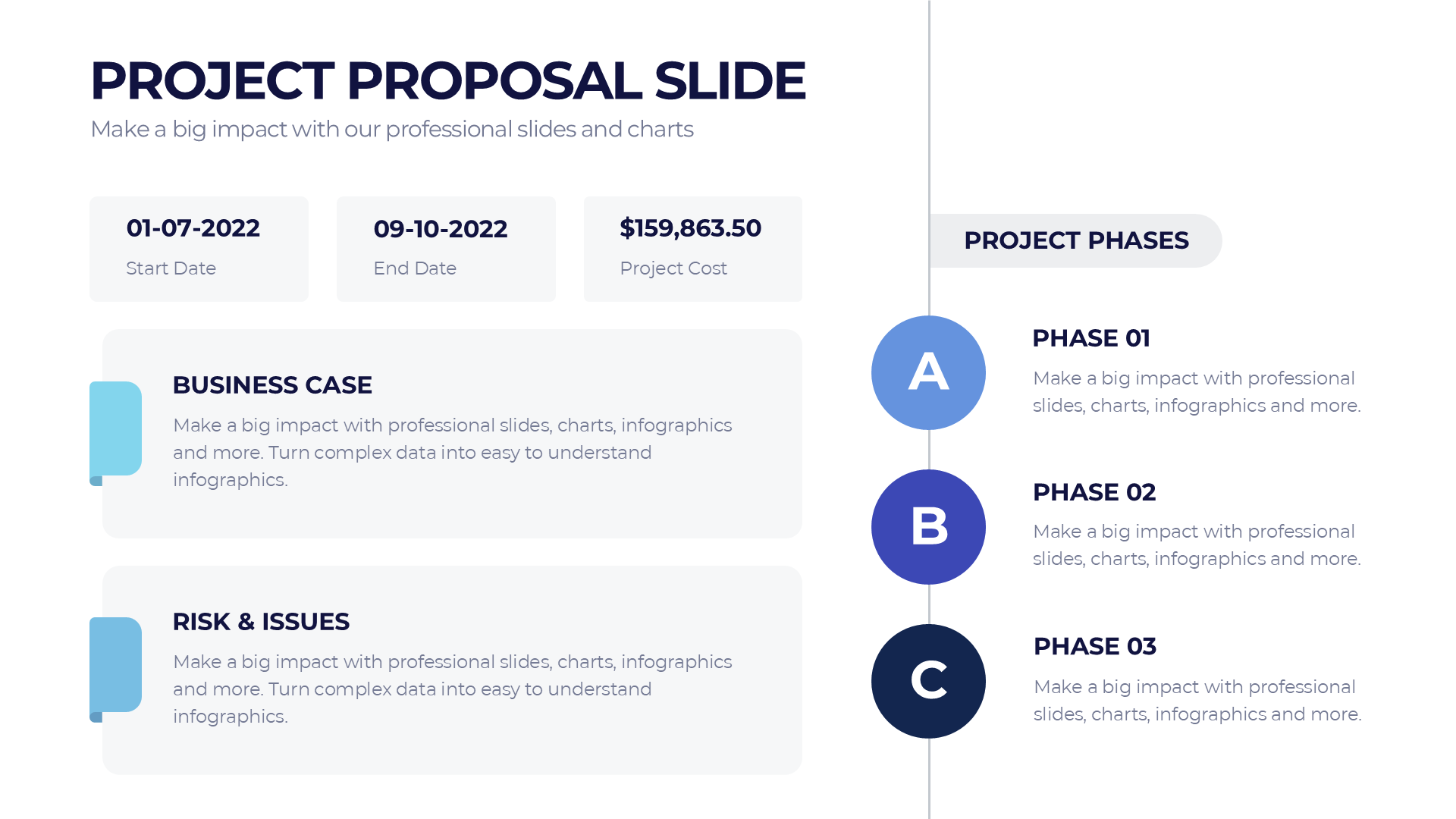
An overview slide like this one works as the summary at the start. Fill in the project name, dates and the four blocks, then use the rest of the deck to explain each block.
How to make a project proposal presentation in six steps
Start from the decision you need, then build backwards: problem, goals, plan, cost and the ask. A proposal that does not say what it wants approved is only an idea.
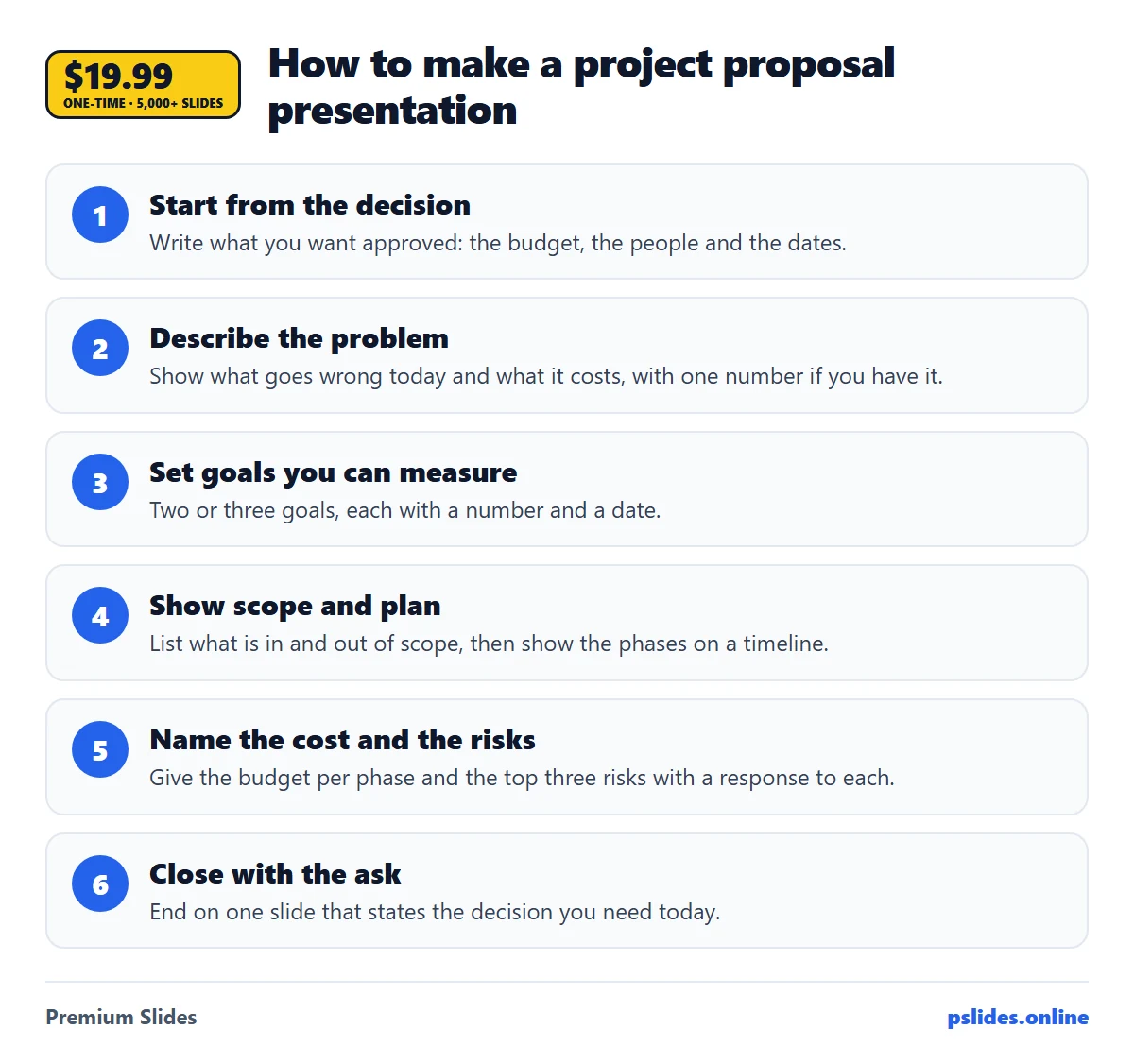
1. Start from the decision
Write one sentence: "We are asking for X budget and Y people to deliver Z by this date." Every slide should support it.
2. Describe the problem and its cost
Decision makers approve projects that fix something they already feel. Use one number if you have it, such as hours lost each week.
3. Set goals, scope and plan
Give two or three measurable goals, list what is in and out of scope, then show the phases on a timeline.
4. Close with cost, risks and the ask
Show the budget per phase, the main risks with a response to each, and a final slide that repeats the decision you need.
To make a project proposal PowerPoint presentation quickly, set fonts and colours once in View > Slide Master. Use Insert > SmartArt > Process for the phases and Insert > Table for the budget. Before the meeting, run Slide Show > Rehearse Timings to see how long each slide takes. The same deck opens in Google Slides and Keynote if your audience uses them.
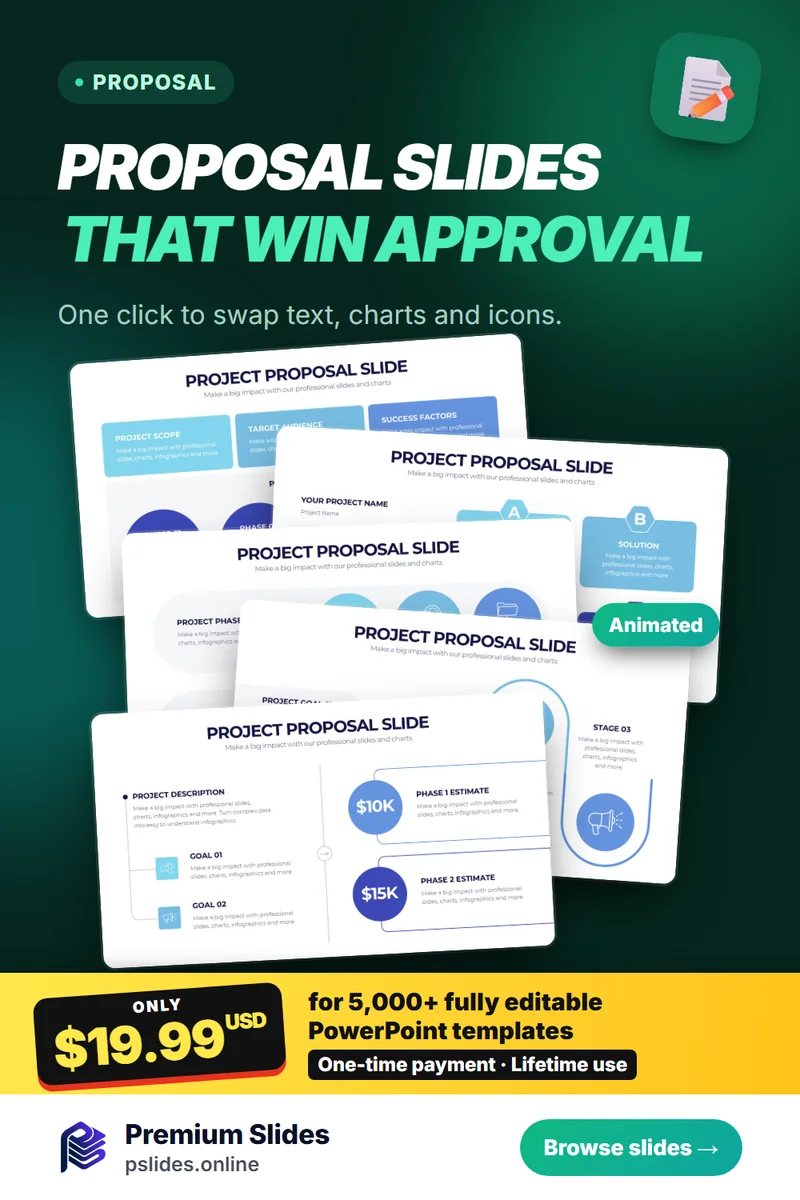
The project proposal templates include the scope, phases, goals and estimate layouts shown above.
Project proposal presentation ideas: what makes a deck stand out?
The proposals that win are the ones that make the decision easy. A few ideas that help:
- Open with the problem, not your team. A photo of the messy spreadsheet or a single painful number gets attention faster than an "about us" slide.
- Show the cost of doing nothing. A project competes with every other use of the money. Doing nothing has a cost too, so show it.
- Offer options. A small, medium and large version lets the audience choose how much, not whether.
- Propose a pilot. A four-week trial with one team is easier to approve than a full rollout.
- Draw the timeline. A visual timeline is easier to read than a bullet list of dates. See how to make a timeline in PowerPoint.
- End on a decision slide. State what you need approved today and what happens the week after.
How do you run the kickoff meeting itself?
Send the deck a day early, keep the talking short and leave a third of the time for questions. A kickoff where only the project manager speaks is a briefing, not a kickoff.
- Ask each person one question during introductions, such as what worries them most about the project. You will hear risks that are not on your slide.
- Agree the scope out loud. Read the "out of scope" list and ask if anyone disagrees. Silence now saves an argument later.
- Write decisions down during the meeting and show them on the last slide before people leave.
- Finish on time. It is the first sign that the project will be run well.
For longer kickoffs, our guide on how many slides a presentation needs helps you size the deck to the slot.
How do you build the kickoff deck faster?
The thinking behind a kickoff takes time: agreeing goals, scope and roles. Drawing the agenda, the RACI matrix and the timeline from empty slides should not add another evening to it.
Premium Slides is one bundle of 5,000+ animated, fully editable slides for PowerPoint, Google Slides and Keynote. It includes project proposal, agenda, responsibility matrix, Gantt chart and project life cycle layouts, so both your proposal and your kickoff deck start from finished designs in one style. The bundle costs $19.99 as a one-time payment, with instant download and lifetime access. You can get the bundle here or browse every template category first.
Frequently asked questions
What should be in a project kickoff presentation?
Introductions, the reason for the project, goals and success measures, scope, timeline and milestones, roles, ways of working, risks and next steps. That is about 8 to 12 slides for a one-hour meeting.
How long should a project kickoff meeting be?
About 60 minutes suits most projects. Large client projects sometimes run a half-day kickoff, split into a short presentation and working sessions.
What is the difference between a project proposal and a project kickoff?
A proposal persuades decision makers to approve the work and the budget. A kickoff happens after approval and explains to the team how the work will run.
How many slides should a student project proposal have?
Usually 6 to 8 slides: title, research question, aims, method, timeline, resources, expected outcome and sources. Check the length your teacher or panel asks for first.
How do I make a project proposal presentation in PowerPoint?
Set fonts and colours in View > Slide Master, use Insert > SmartArt > Process for the phases and Insert > Table for the budget. Then rehearse with Slide Show > Rehearse Timings.