PESTLE Analysis Examples: A Coffee Chain, a Startup and a Student Project (With Slides)
By the Premium Slides team · · 9 min read
Quick answer
A PESTLE analysis lists the outside forces that affect a business under six headings: Political, Economic, Social, Technological, Legal and Environmental. For example, a coffee chain opening in a new city might note rising bean prices (economic), demand for plant-based milk (social), mobile ordering (technological) and new rules on single-use cups (environmental). Each point should describe a change and be marked as an opportunity or a threat.
Key takeaways
- PESTLE stands for Political, Economic, Social, Technological, Legal and Environmental.
- It covers only outside forces, so internal strengths and weaknesses belong in a SWOT instead.
- If something is already law it goes under Legal; if it is a policy still being decided it goes under Political.
- Each point should describe a change and its direction, not just name a topic.
- Keep two to four points per letter on a slide and state the main conclusion in the title.
- The biggest PESTLE factors feed the opportunities and threats boxes of a SWOT.
A PESTLE analysis is a checklist for looking outside your own business. Before you decide to open in a new city, launch a product or write a strategy, it makes you ask what governments, the economy, society, technology, the law and the environment are doing that could help or hurt you.
The six letters are easy to remember. Filling them with useful points is harder, which is why this guide is built around PESTLE analysis examples: a full worked example for a coffee chain, a shorter one for a startup, and one for students writing an assignment. You will also see how to do the analysis step by step and how to put it on a PowerPoint or Google Slides slide.
What is a PESTLE analysis?
A PESTLE analysis lists the outside forces that affect a business or market under six headings: Political, Economic, Social, Technological, Legal and Environmental. It covers only things the business cannot control. Your own staff, prices and products belong in a SWOT, not here.
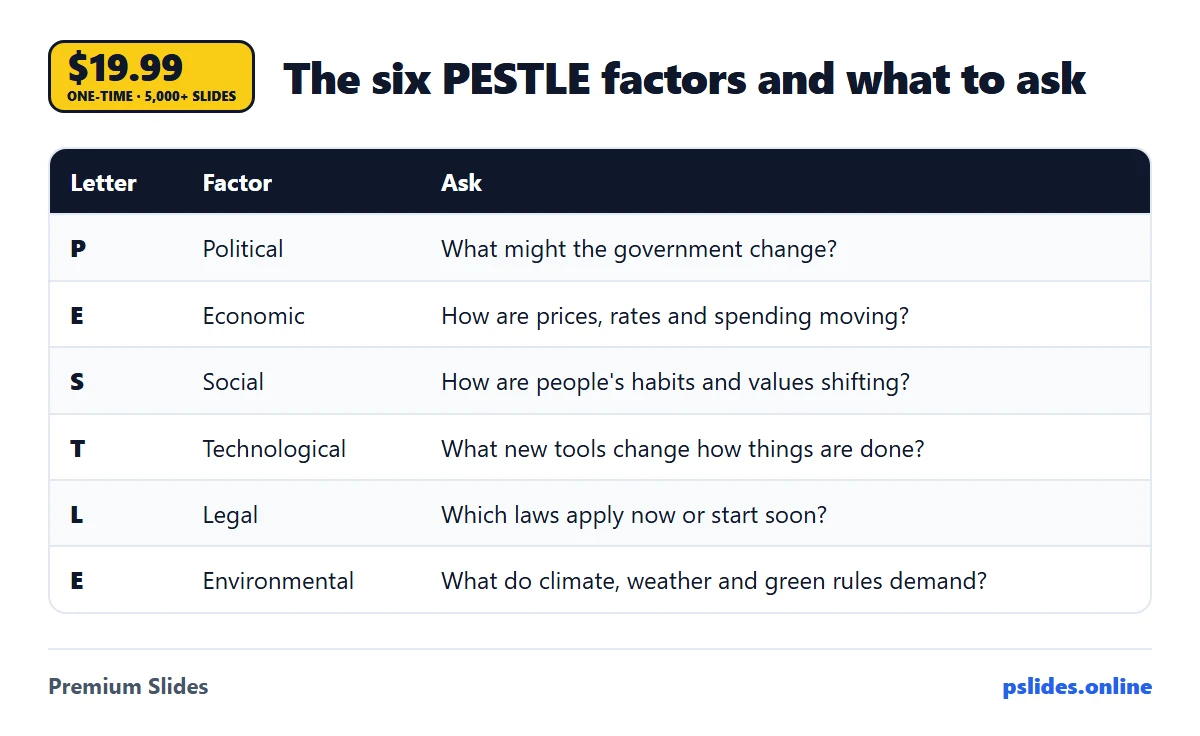
You will also see the same tool written as PEST (the first four letters only), PESTEL (the same six letters in another order) or STEEPLE, which adds Ethics. They all do the same job. The idea grew out of business "environmental scanning" in the 1960s, and Harvard professor Francis Aguilar is usually credited with an early version.
The hardest pair to separate is Political and Legal. A simple rule: if it is already a law, it goes under Legal; if it is a policy, a debate or a decision still to come, it goes under Political. A planned tax change is political. The tax rule in force today is legal.

How do you do a PESTLE analysis? An example, step by step
Set the scope, brainstorm points under each letter, check the facts, rate each point for impact, tag it as an opportunity or a threat, and turn the biggest ones into actions. Here is how to do a PESTLE analysis example from start to finish, using a made-up coffee shop chain that plans to open three shops in a new city.

Step 1: Set the scope
Write one sentence: "Outside factors that affect our plan to open three coffee shops in the city centre over the next two years." A PESTLE with no scope becomes a list of everything happening in the world.
Step 2: Brainstorm each letter
Spend five minutes on each letter and write every point you can think of. Do not judge yet. A team of three people usually produces 30 to 50 raw points.
Step 3: Check the facts
Each point should be a real, current change, backed by a source you could show if asked: a government site, a central bank report, an industry body, a reliable news outlet. Delete any point you cannot support.
Step 4: Rate the impact
Mark each point high, medium or low for how much it would affect the plan and how likely it is. Keep the high-impact, likely points. A slide has room for two to four points per letter.
Step 5: Tag opportunity or threat
Decide whether each remaining point helps or hurts. Some do both. Rising interest in plant-based drinks is an opportunity for a coffee shop that offers them and a threat to one that does not.
Step 6: Turn it into actions
Move the key points into the opportunities and threats boxes of a SWOT, or straight into a plan. The SWOT analysis guide shows how the two fit together.
PESTLE analysis examples you can learn from
Below are three PESTLE analysis examples: a coffee chain in detail, a startup in brief and a market study for students. All businesses are invented, and the points show the kind of thing to look for rather than facts about any real place.
Example 1: a coffee chain opening in a new city
| Factor | Point | Effect |
|---|---|---|
| Political | The city council is debating rules on outdoor seating in the centre | Threat |
| Economic | Coffee bean prices have risen; rents and minimum wages are going up | Threat |
| Social | More office workers are back in the city centre several days a week; demand for plant-based milk keeps growing | Opportunity |
| Technological | Customers expect to order and pay on their phone and skip the queue | Opportunity |
| Legal | Food labelling and allergen rules apply to every item on the menu | Neutral, but a cost |
| Environmental | New rules on single-use cups are expected; customers reward low-waste shops | Both |

Read across the table and a plan appears. Open near offices rather than in the tourist area, build mobile ordering in from day one, add a reusable cup scheme before the rules arrive, and price the menu with a margin for rising bean costs. That last sentence is what should go in the slide title.
Example 2: an electric scooter sharing startup
- Political: city leaders are split on whether shared scooters help or clutter the streets.
- Economic: riders are price-sensitive, and higher interest rates make it harder to raise money.
- Social: younger city residents are happy to rent rather than own.
- Technological: better batteries mean fewer charging trips.
- Legal: rules on speed limits, helmets and parking differ from city to city.
- Environmental: cities want fewer short car trips, but scooters must last long enough to be truly greener.
Here, Political and Legal carry most of the weight. The startup's plan would focus on working with city councils before launch, not after.
What are good PESTLE analysis examples for students?
For a school or university assignment, pick one industry or one company in one country, and support every point with a source you can cite. Teachers mark you on the quality of your evidence and on what you conclude, not on how many points you list.
Good topics for PESTLE analysis examples for students are industries that are clearly changing: online learning, electric cars, food delivery, streaming, fast fashion or renewable energy. A sample structure for "the online learning market in your country" might look like this:
- Political: government plans for digital skills or school funding.
- Economic: how household budgets and course prices are moving.
- Social: how many adults are retraining or studying part-time.
- Technological: AI tutors, video tools, home internet speeds.
- Legal: rules on recognised qualifications and on student data.
- Environmental: lower travel compared with in-person classes.
Then finish with a short paragraph: which two factors matter most, and what should a company in that market do about them? That conclusion is what turns a list into an analysis. If you present the work, the guide to slide counts helps you plan the length.

How do you make a PESTLE analysis on PowerPoint?
Insert six equal shapes in a row, one per letter, give each its own colour, and add two to four short points under each one. The whole slide takes about 15 minutes.
- Choose Home > Layout > Title Only and type your conclusion as the title.
- Go to Insert > Shapes and draw a rectangle near the top left. Type a large "P" and the word Political inside it.
- Press Ctrl + D five times to make five copies (Cmd + D on a Mac). Change the letters to E, S, T, L and E.
- Select all six, then use Shape Format > Align > Align Top and Shape Format > Align > Distribute Horizontally.
- Click each shape and pick a colour from Shape Format > Shape Fill.
- Add a text box under each shape with Insert > Text Box and type your points.
For a quicker start, Insert > SmartArt > List > Basic Block List gives you equal boxes that you can type into. With six items it sets them out in rows, so check the layout before you add long text.
Using a PESTLE analysis template in Google Slides
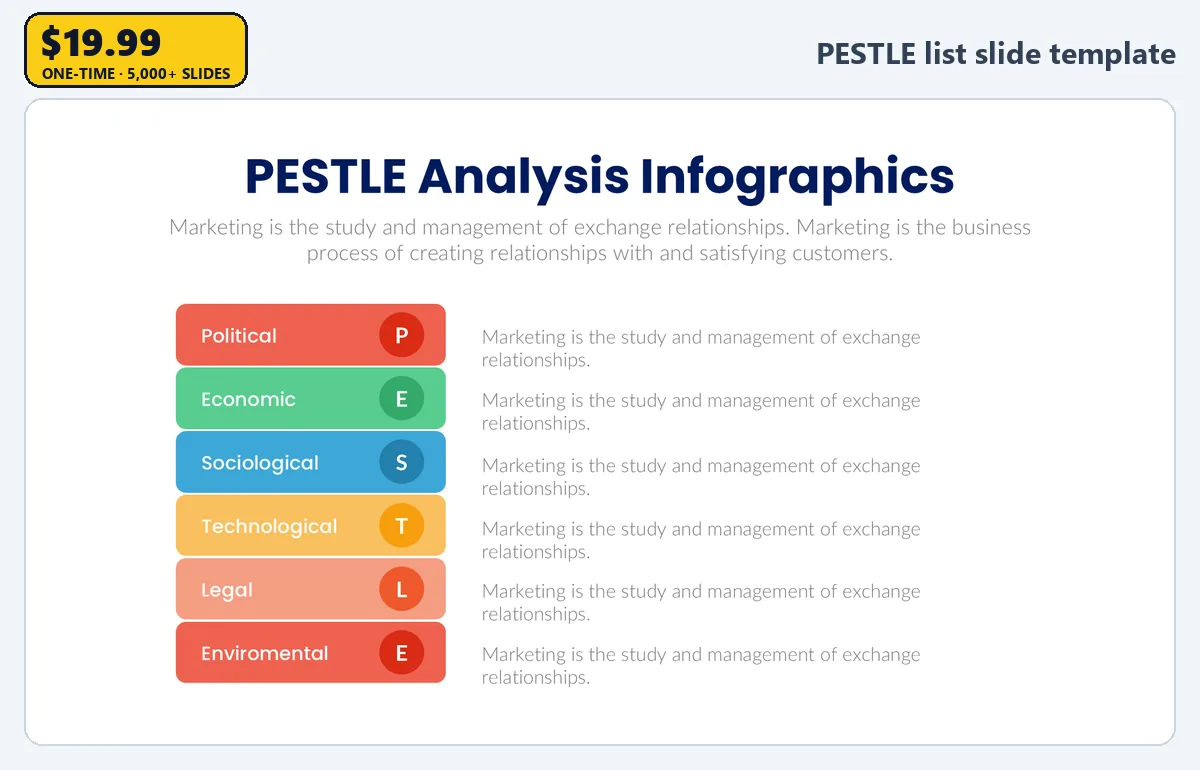
Google Slides has no SmartArt, so you build the slide from Insert > Shape > Shapes or from Insert > Table with six columns. Align shapes with Arrange > Align and Arrange > Distribute. If you already have a PESTLE template made for PowerPoint, open it from Google Drive with Google Slides, or bring single slides into your deck with File > Import slides.
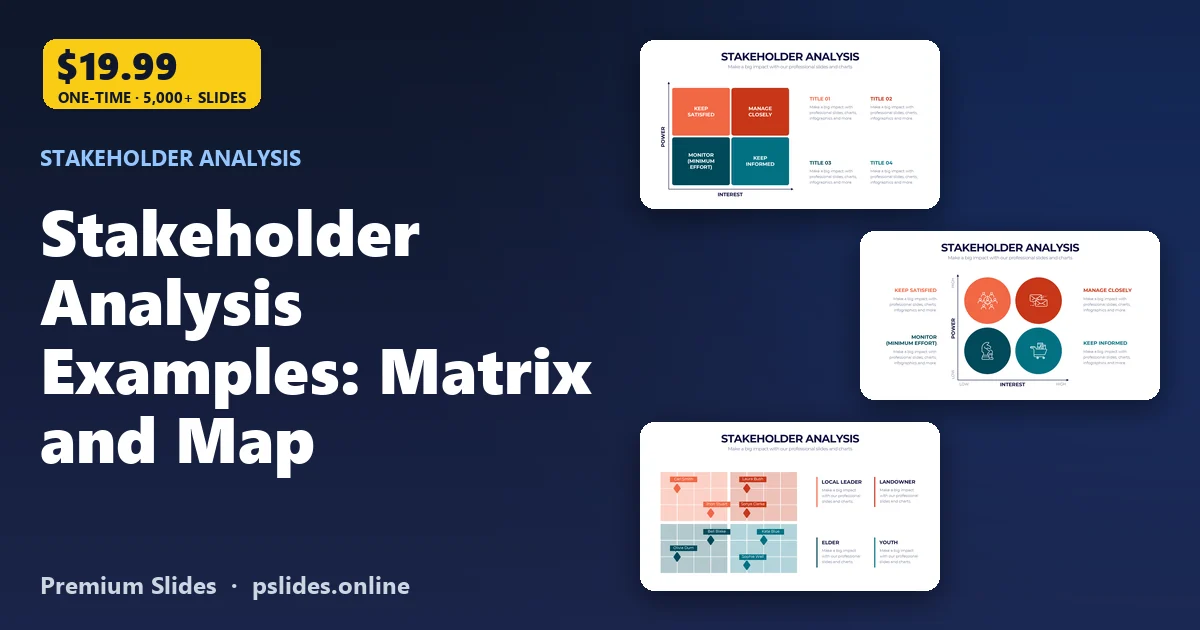
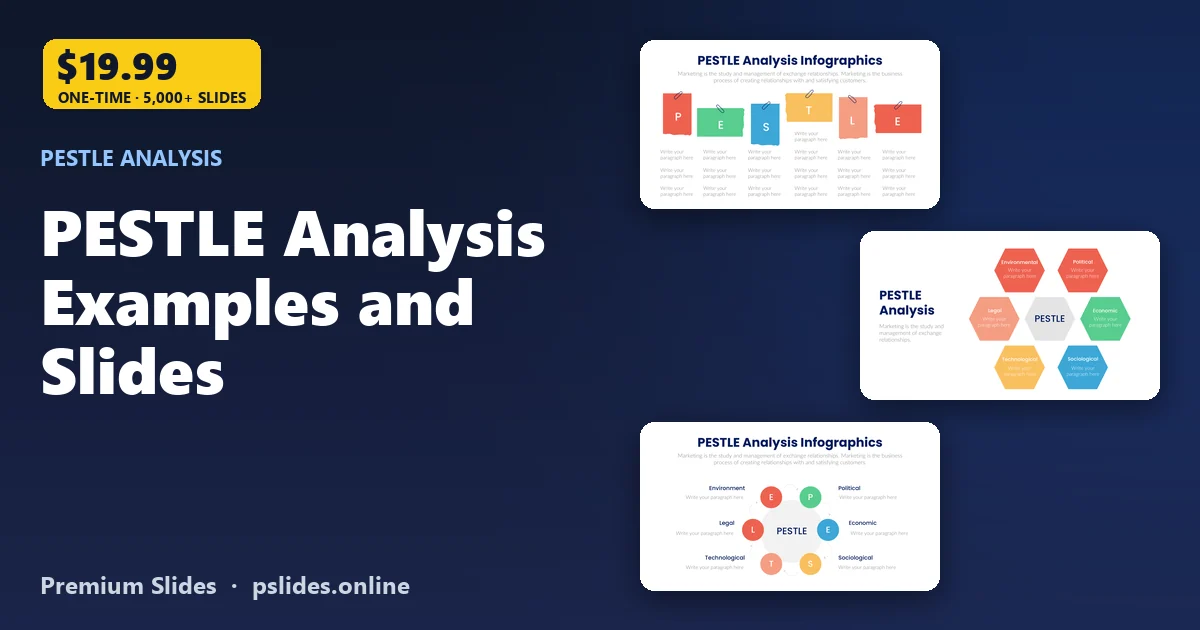
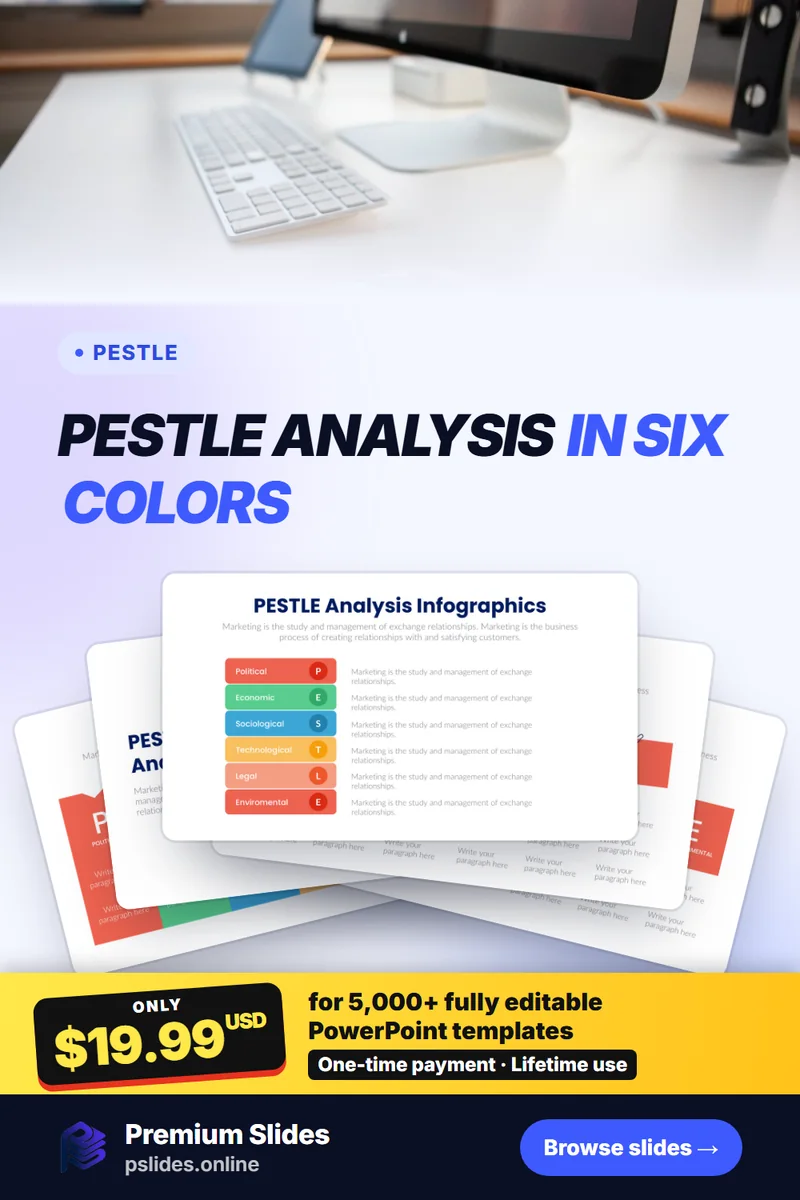
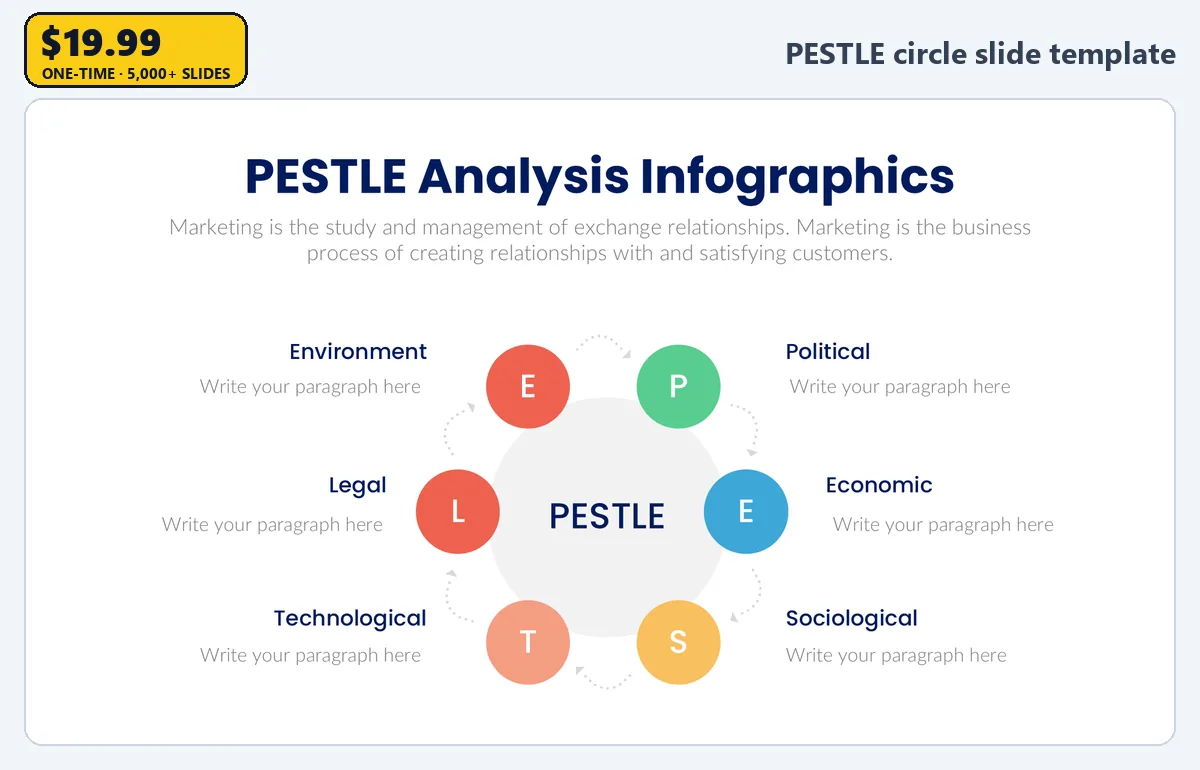
The PESTLE analysis templates come in several layouts, including the colour columns, hexagons, list and circle shown here, and they open in PowerPoint, Google Slides and Keynote.
What are the most common PESTLE mistakes?
The most common mistake is listing internal points. If the business controls it, it does not belong in a PESTLE. The other frequent problems:
- Topics instead of changes. "Technology" under T tells the audience nothing.
- Too many points. Twenty points per letter is research notes, not a slide. Keep the rest in an appendix.
- No conclusion. The audience should know which two or three factors matter most and what you will do about them.
- Old facts. The outside world changes fast. Date your sources and repeat the analysis every year or before any big decision.

PESTLE looks at the wide world. To look at your industry and its rivals, add a Porter's Five Forces slide (the Porter's Five Forces examples explain how the two work together) or a competitor analysis slide. To sum everything up on one page, finish with a SWOT analysis.
How do you build PESTLE slides faster?
The research is your job. The six boxes, six colours and neat spacing do not need to be. A ready layout lets you spend your time on the points and the conclusion, which is what your audience or your teacher will judge.
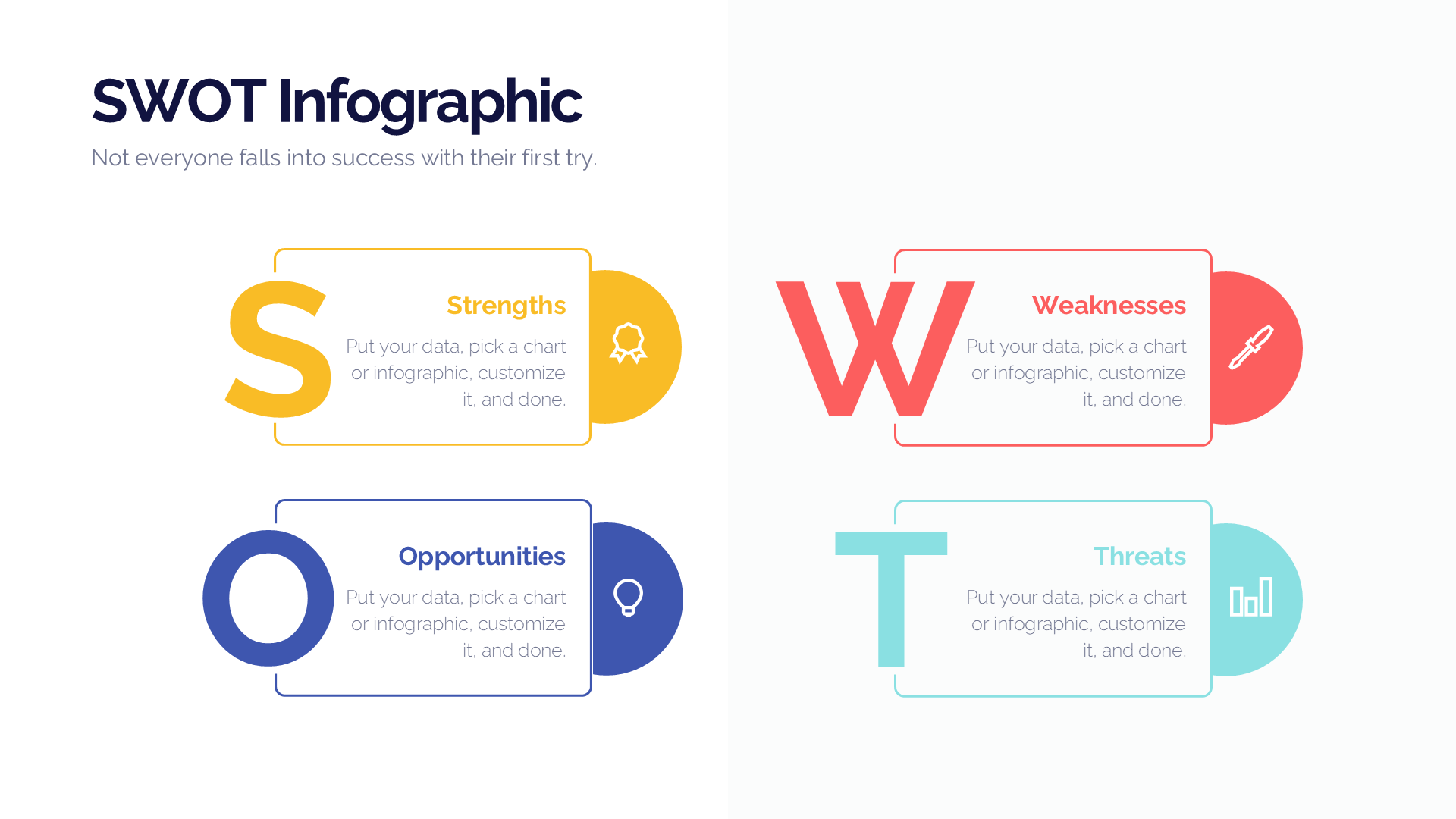
Premium Slides is one bundle of 5,000+ animated, fully editable slides for PowerPoint, Google Slides and Keynote, with PESTLE, SWOT, Porter's Five Forces and competitor analysis layouts among them. It costs $19.99 as a one-time payment, with instant download and lifetime access. You can get the bundle here or browse every template category first.
Frequently asked questions
What is an example of a PESTLE analysis?
For a coffee chain opening in a new city, political might be a debate on outdoor seating, economic rising bean prices, social demand for plant-based milk, technological mobile ordering, legal allergen rules and environmental new rules on single-use cups.
What is the difference between PEST, PESTLE and PESTEL?
PEST covers only political, economic, social and technological factors. PESTLE and PESTEL add legal and environmental factors and are the same tool with the letters in a different order.
What is the difference between political and legal factors?
Legal factors are laws that already apply, such as labelling or employment rules. Political factors are policies, debates and decisions that may still change, such as a planned tax change.
How do you make a PESTLE analysis on PowerPoint?
Draw one rectangle from Insert > Shapes, duplicate it five times with Ctrl + D and line the six up with Shape Format > Align. Label them P, E, S, T, L and E, give each a colour and add two to four points under each one.
Can I make a PESTLE analysis in Google Slides?
Yes. Use Insert > Table with six columns or six shapes from Insert > Shape, then line them up with Arrange > Align. You can also open a PowerPoint PESTLE template from Google Drive with Google Slides.
How many points should each PESTLE factor have?
Two to four points per factor is a good rule of thumb for one slide. Keep longer research in an appendix and show only the points with the biggest impact.

/slide1.png)