AIDA Model Examples: What It Is, 6 Examples and AIDA Slides
By the Premium Slides team · · 8 min read
Quick answer
The AIDA model is a four-step framework for persuasive messages: Attention, Interest, Desire and Action. Grab attention with a headline or image, hold interest by naming the reader's problem, build desire with benefits and proof, and end with one clear call to action. It works for ads, landing pages, emails, pitches and presentations.
Key takeaways
- AIDA stands for Attention, Interest, Desire and Action, the path from noticing a message to acting on it.
- Attention needs a strong headline or image, Interest needs the reader's problem, Desire needs benefits and proof.
- The Action stage needs one clear, easy next step, not several competing options.
- In a presentation, spend most slides on Desire and end on a single Action slide.
- AIDA shapes the message, while a sales funnel measures how many people reach each stage.
- The model assumes a straight path, so variants such as AIDCA and AIDAS add conviction or satisfaction.
Every ad, landing page and sales pitch has the same job: get noticed, keep the reader's interest, make them want something and get them to act. The AIDA model puts names on those four steps, and it has guided advertising copy for more than a century.
This guide explains the model, shows AIDA model examples from a flyer, a landing page, an email, a video ad, a pitch and a job post, and then shows how to turn the model into a clear slide in PowerPoint, Google Slides or Keynote.
What is the AIDA model?
The AIDA model is a four-step framework for persuasive communication: Attention, Interest, Desire and Action. It describes the path a person takes from first noticing a message to doing what it asks, such as buying, signing up or booking a call.
The idea is usually credited to the American advertising pioneer E. St. Elmo Lewis, around the end of the 19th century. It became one of the best-known models in marketing and sales, and it is still taught in most marketing courses today.
The model is simple on purpose. It gives you a checklist for any message: does this part grab attention, does that part hold interest, where do I build desire, and is the action clear?
What do the four AIDA stages mean?
Attention stops the reader, Interest keeps them reading, Desire makes them want the offer, and Action tells them exactly what to do next. Each stage has its own goal and its own tools.
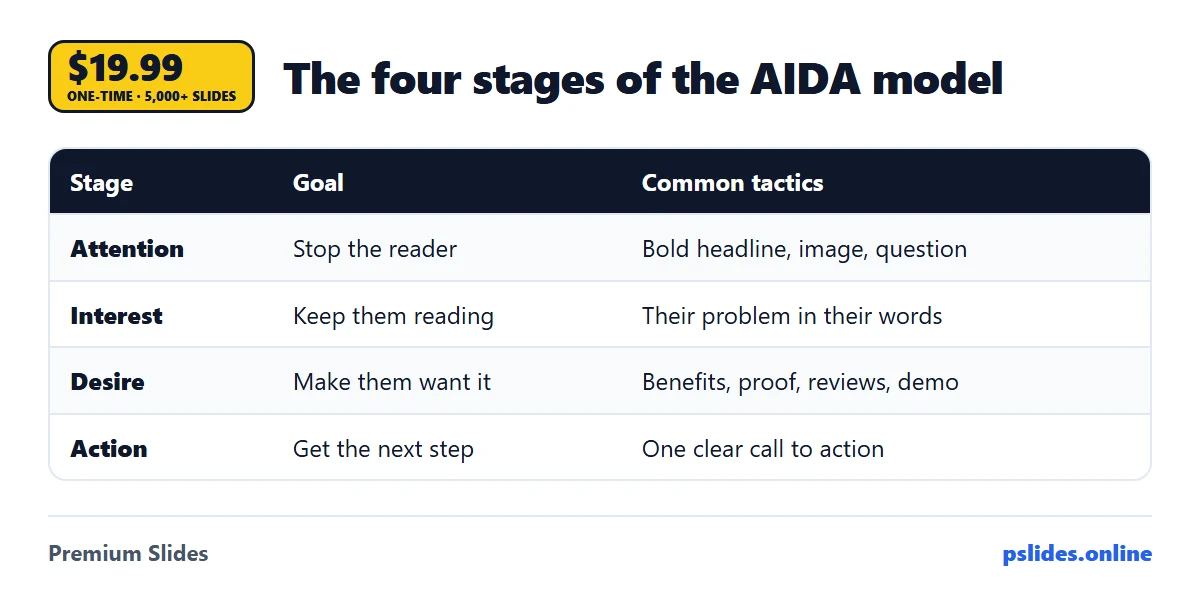
- Attention. Break through the noise. Use a bold headline, a striking image, a surprising number or a question that names the reader's problem.
- Interest. Give a reason to keep going. Explain the problem in the reader's words and show that you understand it.
- Desire. Turn interest into wanting. Show benefits rather than features, add proof such as reviews or a demo, and help the reader picture life after the purchase.
- Action. Make the next step obvious and easy. One clear call to action, such as "Book a demo" or "Order now", with as little friction as possible.
The order matters. A strong call to action cannot save a message nobody noticed, and a great headline is wasted if the action is hidden.
AIDA model examples you can copy
These six AIDA model examples are invented to show how the same four steps fit very different formats. Read them as patterns, not as real campaigns.
1. A coffee shop flyer
| Stage | On the flyer |
|---|---|
| Attention | Big photo of a latte and the headline "Your 8 am meeting deserves better coffee" |
| Interest | "Fresh beans roasted every Monday, two minutes from the station" |
| Desire | A short customer quote and a picture of the quiet seating area |
| Action | "Show this flyer for a second cup at half price this week" |
2. A SaaS landing page
Attention: a headline that names the pain, such as "Stop chasing invoices by email". Interest: three short points on how the tool works. Desire: a screenshot, customer logos or reviews, and a before-and-after comparison. Action: one "Start your trial" button repeated at the top and bottom of the page.
3. A sales email
Attention: the subject line, which must earn the open. Interest: the first two lines, which name a problem the reader has. Desire: one proof point, such as a short case story. Action: a single link or a reply request, not three different options.
4. A short video ad
Attention has to happen in the first seconds, before the viewer scrolls on: movement, a face or a bold caption. Interest and Desire share the middle with a quick demo. Action closes the ad with the offer on screen and spoken aloud.
5. A pitch or sales presentation
Attention: open with a striking fact or a short story about the customer's problem. Interest: show the size of the problem. Desire: show the solution working, with proof. Action: end with one clear ask, such as a pilot, a meeting or an investment. Our guide on how to make a pitch deck follows the same arc.
6. A job post
Attention: a job title and one line that stands out from the hundred similar posts. Interest: what the person will actually do. Desire: growth, team, pay range and flexibility. Action: a short, simple way to apply.
How do you use AIDA in a presentation?
Map your slides to the four stages: one or two slides for Attention, a few for Interest, most of the deck for Desire, and one closing slide for Action. This works for sales decks, internal proposals and pitches alike.
- Attention (slides 1 to 2). A title slide with a promise, then a surprising fact, a question or a short story. Our guide on how to start a presentation has more openings.
- Interest (slides 3 to 5). The problem, its size and why it matters now.
- Desire (slides 6 to 9). Your solution, how it works, proof and results.
- Action (last slide). One specific next step, with a date or a name. Avoid ending on a plain "Thank you" slide.
How to make AIDA model slides in PowerPoint
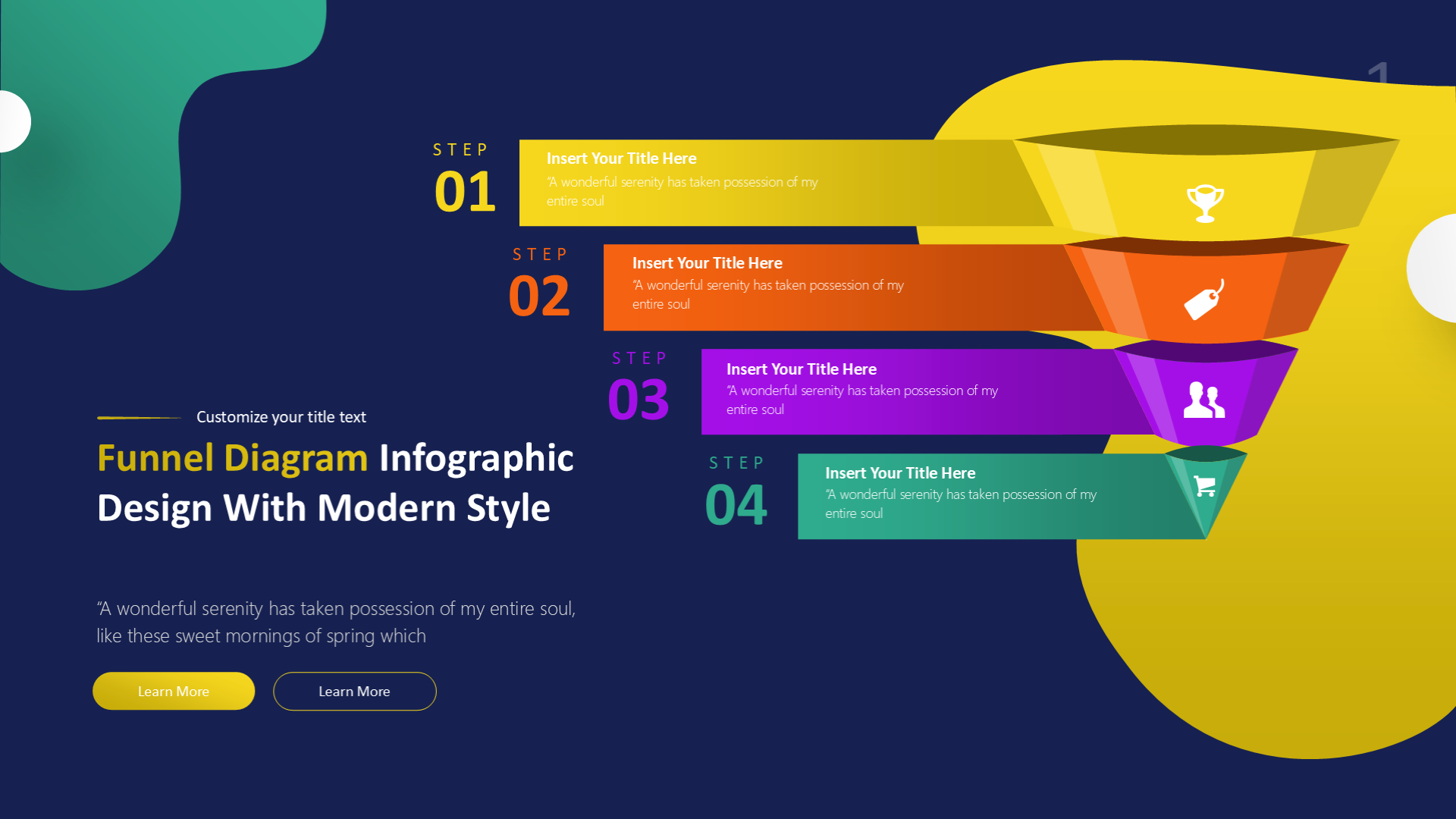
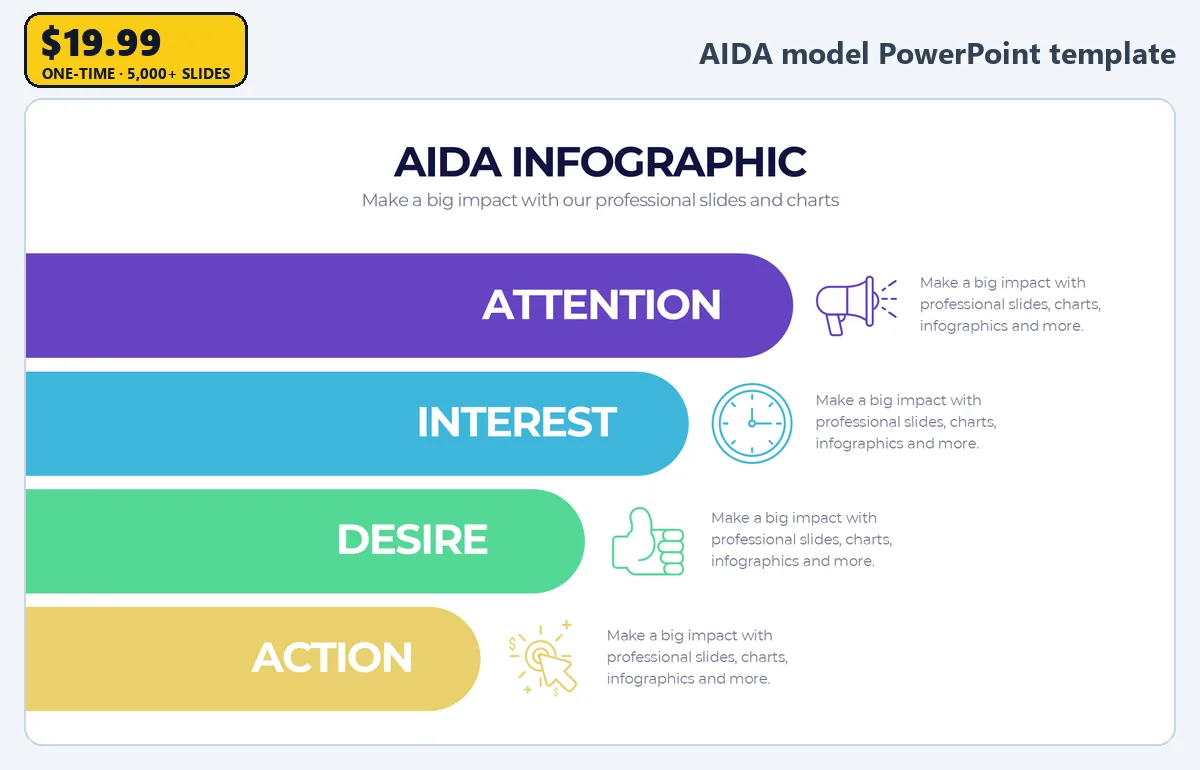
The quickest way is four rounded rectangles of decreasing width, one per stage, each with an icon and a line of text. You can also use SmartArt for a chevron layout or a funnel chart.
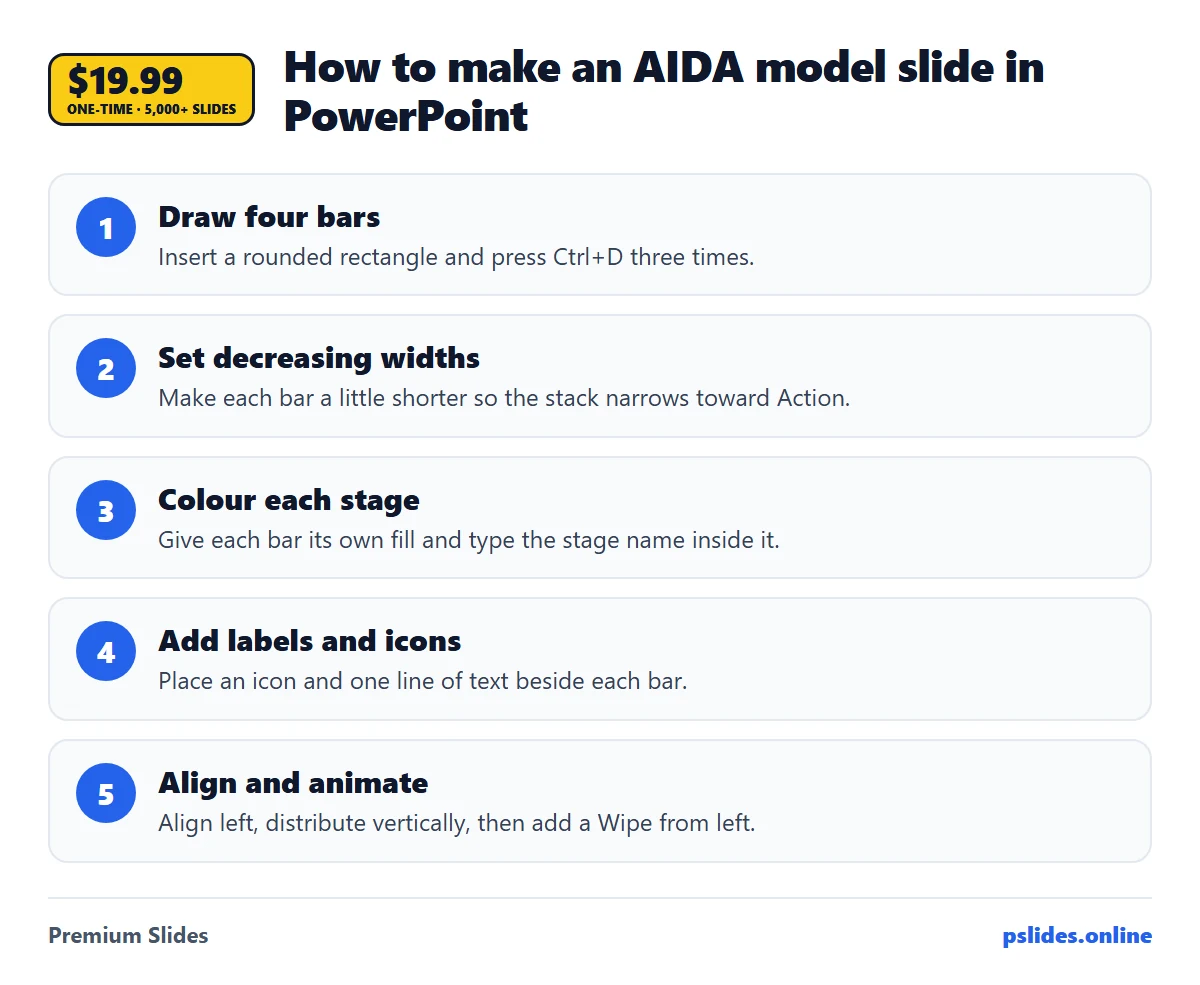
- Click Insert > Shapes and choose Rectangle: Rounded Corners. Draw one wide bar near the top of the slide.
- Press Ctrl+D three times to make four bars. On the Shape Format tab, set each bar's Width a little shorter than the one above, so the stack narrows toward Action.
- Give each bar its own colour under Shape Format > Shape Fill. Type Attention, Interest, Desire and Action inside the bars.
- Add an icon next to each bar with Insert > Icons, such as a megaphone, a clock, a thumbs-up and a pointer, and a text box with one line of explanation.
- Select the four bars and use Shape Format > Align > Align Left and Distribute Vertically. Then add Animations > Wipe with Effect Options > From Left to reveal one stage per click.
For a chevron layout, choose Insert > SmartArt > Process > Basic Chevron Process and type the four stages. For a funnel, PowerPoint in Microsoft 365 has Insert > Chart > Funnel, which draws bars of decreasing size from your numbers, such as visitors, sign-ups, trials and sales.
In Google Slides, draw the bars with Insert > Shape > Shapes and align them with Arrange > Align. In Keynote, use the Shape button in the toolbar and the Arrange tab of the Format sidebar.


What should an AIDA model template show?
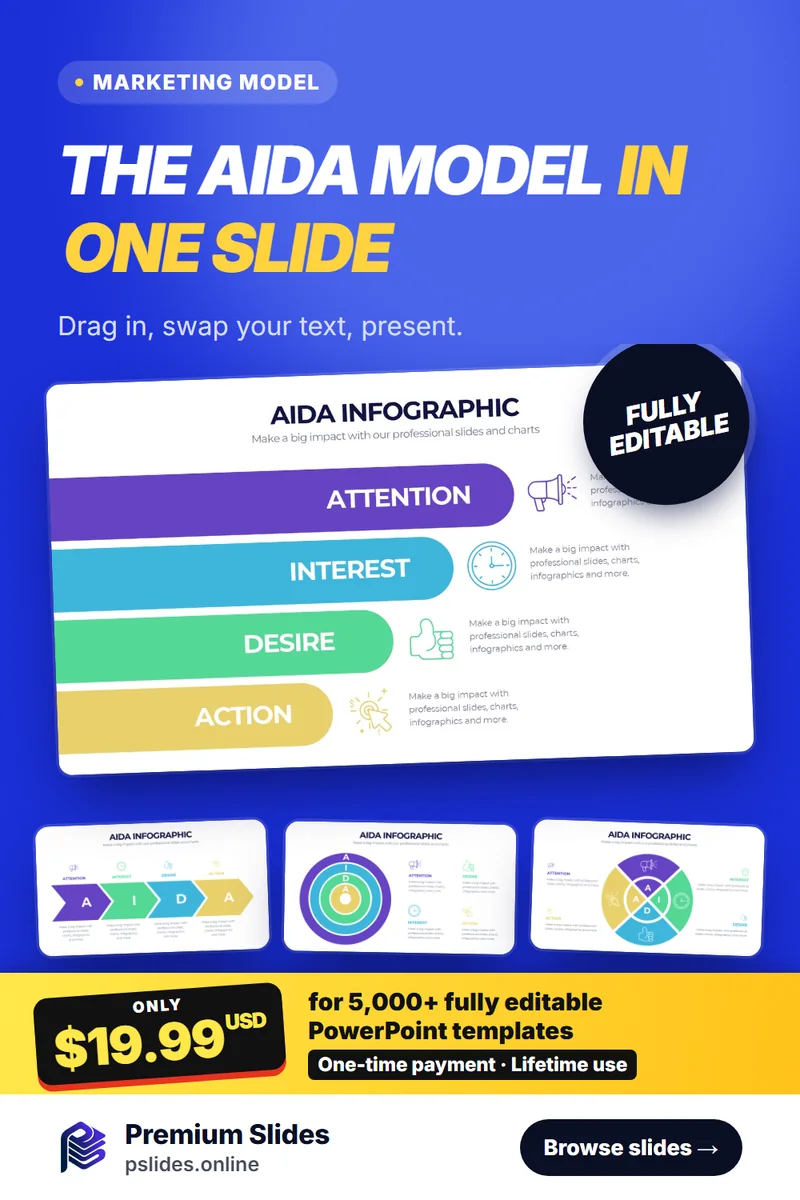
A good AIDA model template shows all four stages in order, with room for a short explanation and an example under each one. The stages should be separate shapes, so you can change the colours, swap the icons or add a fifth stage.
Pick the layout by your message:
- Stacked bars or a funnel when you want to show that fewer people reach each stage.
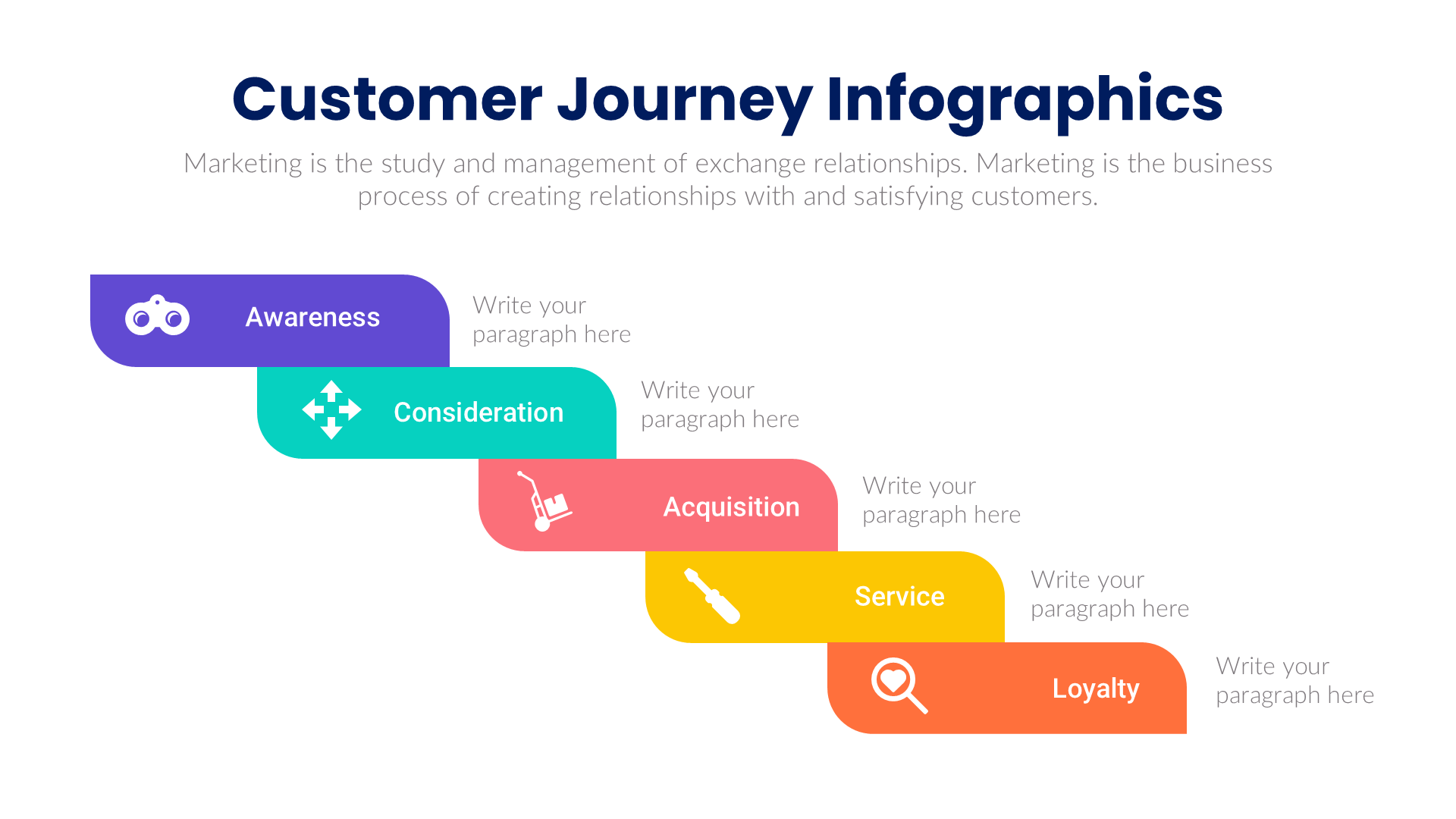
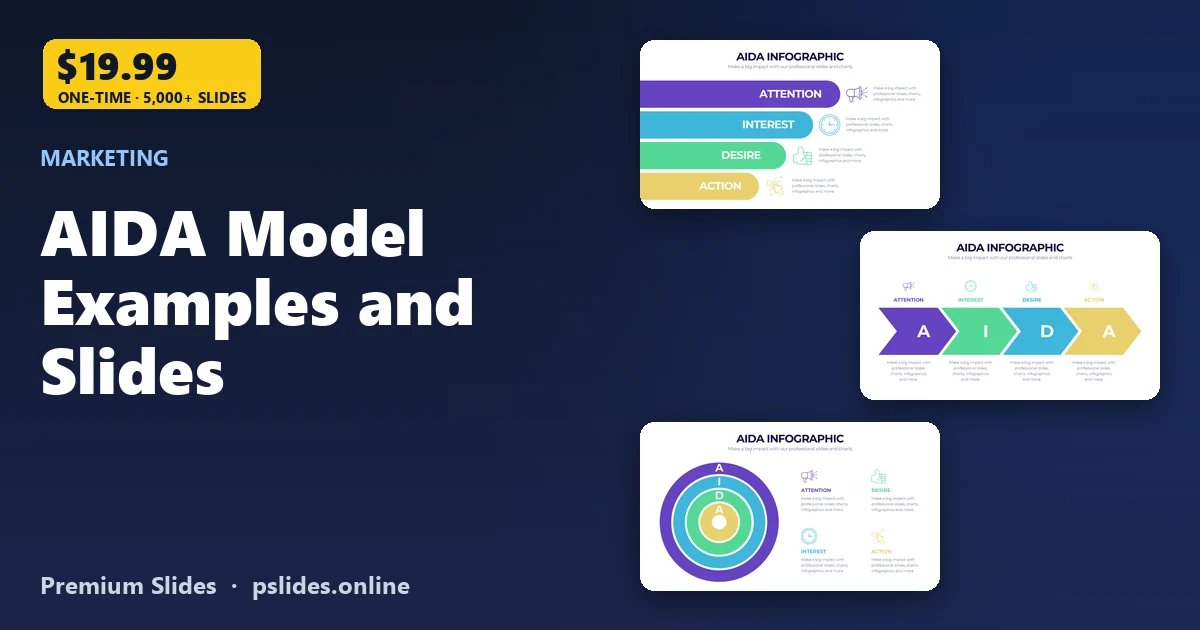
- Chevrons or arrows when you want to show a sequence your campaign follows.
- A circle or four quadrants when you want to compare tactics for each stage side by side.
Our AIDA model templates include all three styles. For wider campaign planning, the funnel templates and digital marketing slides use the same idea of stages.
AIDA model vs sales funnel: what is the difference?
AIDA describes what goes on in the buyer's mind. A sales funnel describes how many buyers move through each stage of your process. They work well together: AIDA shapes the message, the funnel measures the result.
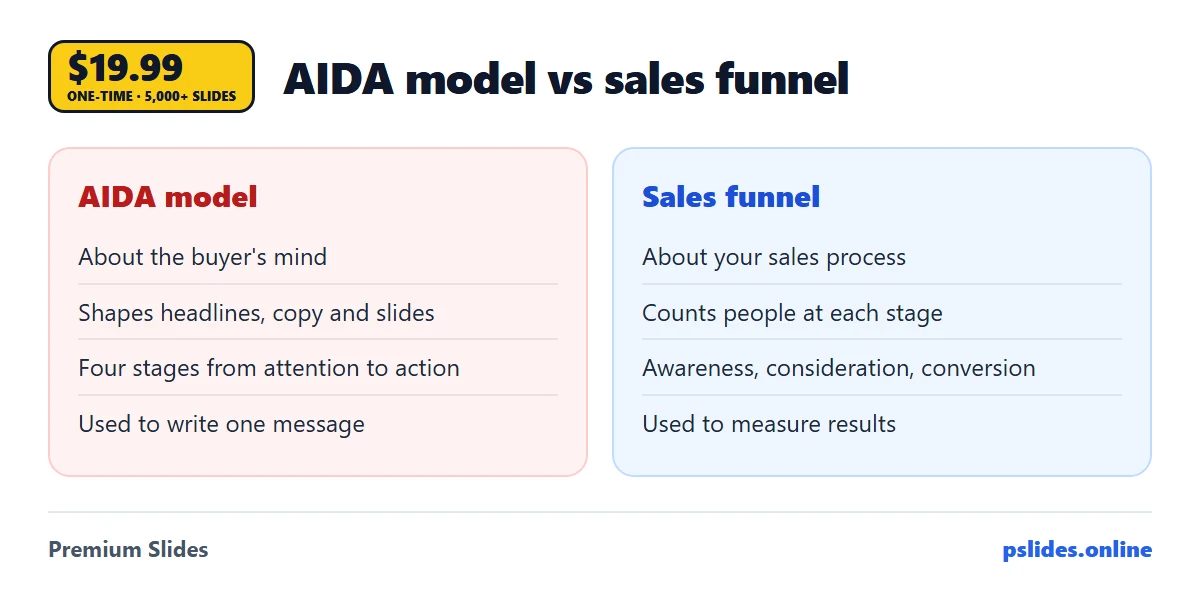
A typical funnel uses stages such as awareness, consideration and conversion, often shortened to top, middle and bottom of the funnel. Each AIDA stage maps roughly onto one of them. Our guide to the sales funnel diagram in PowerPoint shows how to draw and present one.
What are the limits of the AIDA model?
AIDA assumes a straight path from attention to action, but real buyers often jump back and forth, compare options and ask other people first. It also stops at the sale and says nothing about what happens after it.
Marketers have added stages to cover these gaps. Common versions include:
- AIDCA, which adds Conviction before Action, for buyers who need proof or reassurance.
- AIDAS, which adds Satisfaction after Action, to cover the experience after the purchase.
For a full picture of how people discover, compare, buy and return, a customer journey map goes further than AIDA. For one ad, one email or one slide, the four steps are still a fast and reliable check.

How do you get AIDA model slides ready to edit?
Knowing the four stages is easy. Making them look good on a slide, with matching icons, colours and animation, takes longer than most people expect.
Premium Slides is one bundle of 5,000+ animated, fully editable slides for PowerPoint, Google Slides and Keynote. It includes AIDA model slides in bar, chevron, circle and quadrant layouts, plus funnels and customer journey maps for the rest of your marketing deck. The bundle costs $19.99 as a one-time payment, with instant download and lifetime access. You can get the bundle here or browse every template category first.
Frequently asked questions
What does AIDA stand for?
Attention, Interest, Desire and Action. These are the four stages a person moves through, from first noticing a message to doing what it asks.
What is a simple example of the AIDA model?
A coffee shop flyer: a striking latte photo grabs attention, fresh local beans create interest, a customer quote builds desire, and a one-week offer printed on the flyer prompts action.
Who created the AIDA model?
It is usually credited to the American advertising pioneer E. St. Elmo Lewis, around the end of the 19th century.
Is the AIDA model still relevant?
Yes, as a checklist for a single ad, email, page or slide. For the full buying journey, which is rarely a straight line, combine it with a sales funnel or a customer journey map.
How do I make an AIDA model in PowerPoint?
Draw four rounded rectangles of decreasing width, label them Attention, Interest, Desire and Action, add an icon and a line of text to each, then align them. SmartArt's Basic Chevron Process or a funnel chart also work.